Workflow and Business Process Automation.
Workflow automation is replacing the repetitive, rule-following part of a business process with software that runs it on a schedule or a trigger, while routing the exceptions to a person, so the return comes from the routine path and the unusual cases still get judgement.
The mistake in most automation projects is trying to automate the whole process. The return is concentrated in the boring, high-volume path, and that is also the part that fails safely. The exceptions are where the judgement is, and they are the part that should keep going to a person.
So the first job is measuring which is which, usually by watching the work rather than asking about it. People describe the interesting cases because those are what they remember, not the ninety routine ones that took most of the week.
What gets built after that is ordinary engineering: integrations behind typed interfaces, scheduling on the server rather than on somebody's device, idempotent steps so a retry cannot double-process, and a log that lets you answer what happened to a specific item three weeks ago.
What the engagement covers
Process measurement
Which steps are high volume and rule-following, and which need judgement. The split decides the whole design, and it is rarely where people assume it is.
Integrations
The systems already in use, from CRM and accounting to email, WhatsApp, spreadsheets and internal APIs, connected behind typed interfaces so one vendor change does not break everything.
Scheduling and triggers
Server-side scheduling and event triggers, so a job does not depend on somebody's laptop being awake or a browser tab staying open.
Idempotency and retries
Steps designed so a retry after a failure cannot double-send, double-charge or double-process, which is where naive automations quietly cause damage.
Exception routing
A defined path for anything the automation should not decide, sent to the right person with the context attached rather than dropped in a log.
An audit trail
Every run recorded with its inputs and outcome, so a question about one specific item weeks later has an answer.
How it runs
Watch the process
Time with the people doing the work, counting what actually happens, rather than a workshop where the interesting cases dominate the conversation.
Pick the boring path
Automate the highest-volume rule-following steps first. Narrow scope, real return, and a failure mode that is easy to contain.
Build with the exception path first
Escalation, logging and retries designed before the happy path is finished, because they are what make the automation trustworthy enough to leave running.
Widen only where it pays
Measure what the first automation actually saved, then extend into the next step or stop. Not every remaining task is worth automating.
Projects built this way
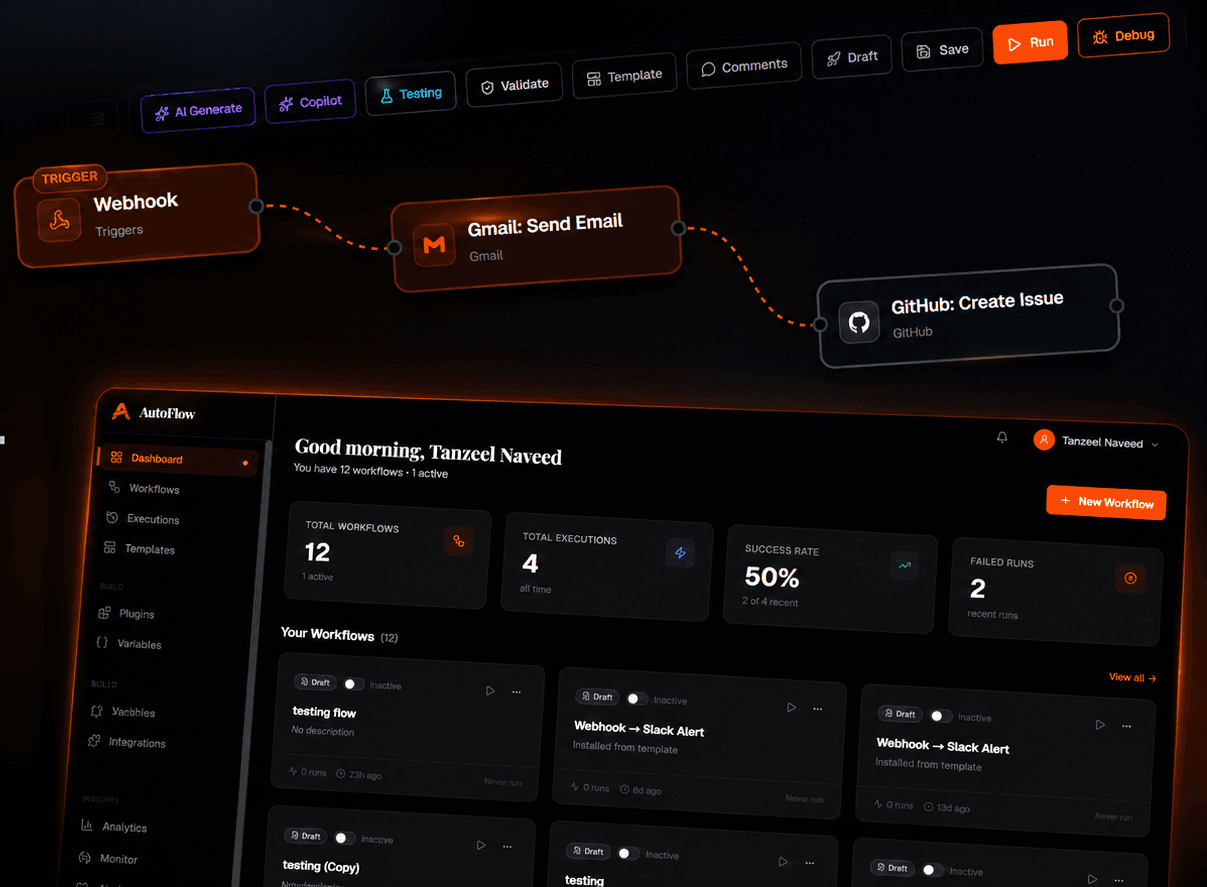
AutoFlow: AI Workflow Automation Platform
No-code workflow automation platform with a visual builder, AI assisted workflow generation, and a live dashboard for tracking executions and success rates.
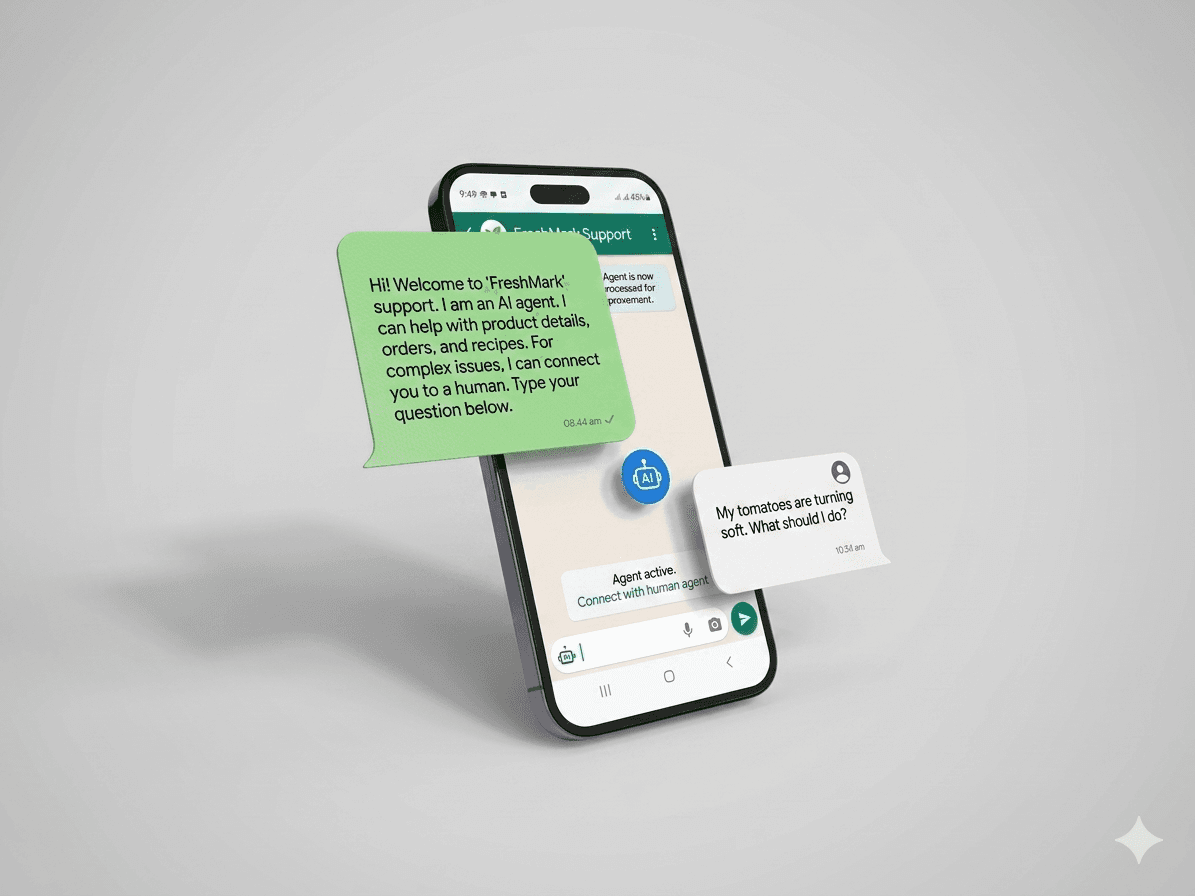
Customer Support AI
AI support automation with ticket routing, sentiment analysis and confidence-gated responses that escalate to a human instead of shipping a wrong answer.
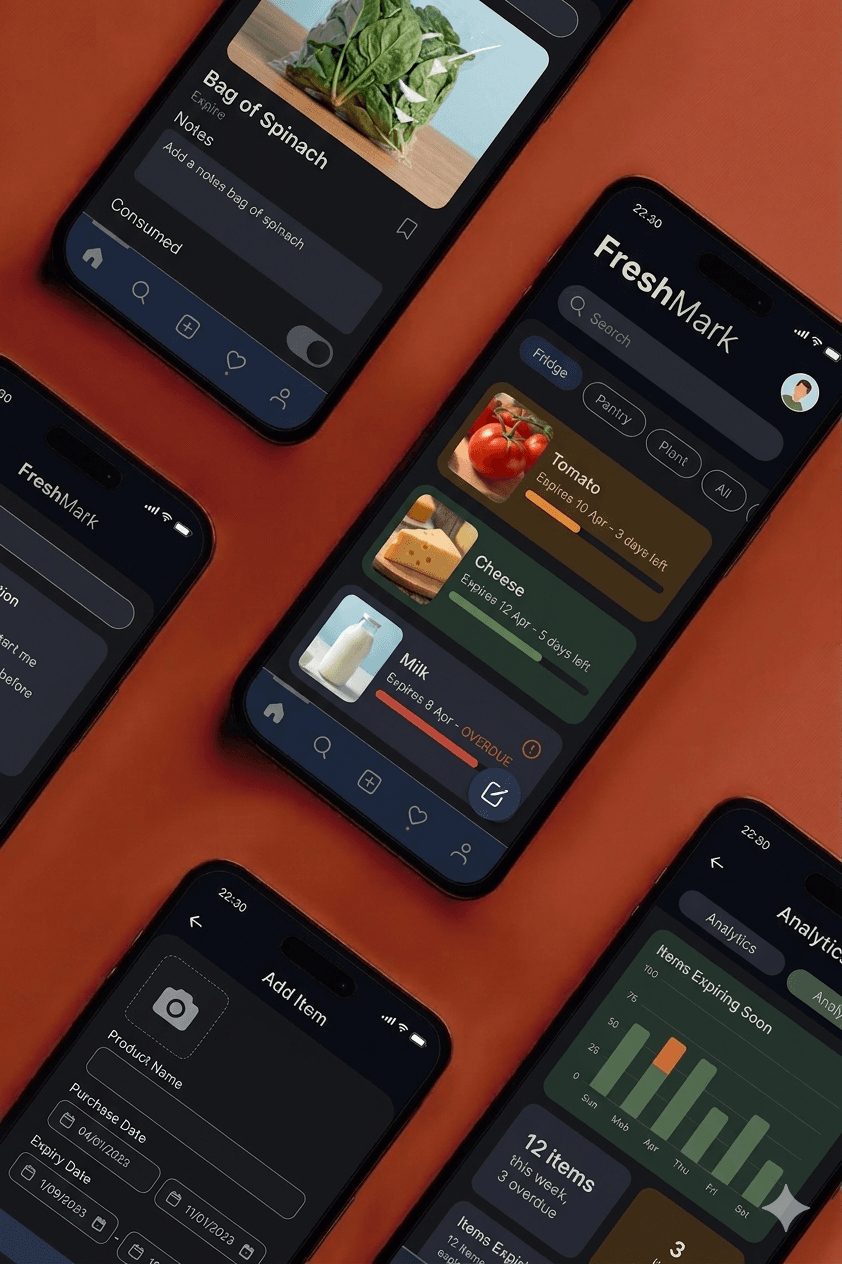
Food & Document Expiry
Expiry tracker for food and documents, with server-side scheduling and a rules engine that generates several reminder windows per item category.
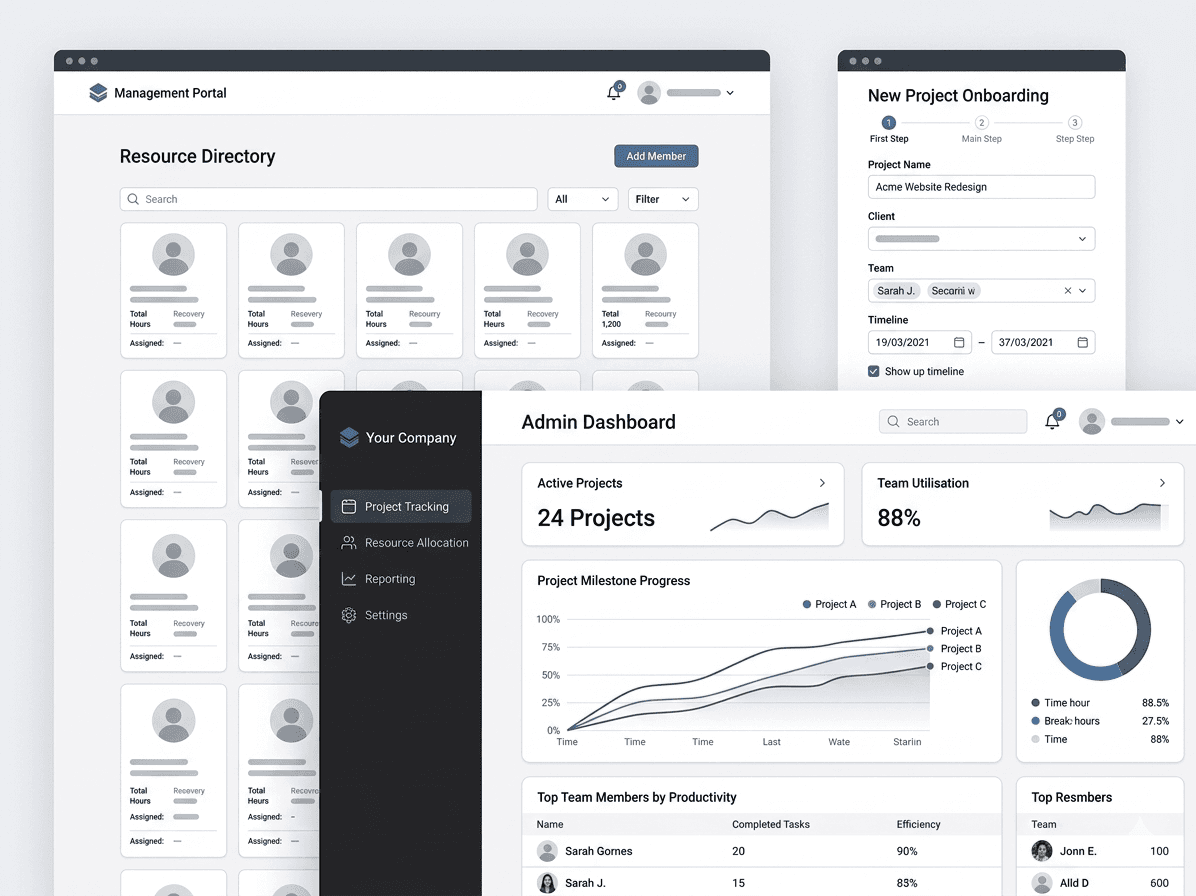
Internal Management System
Internal operations platform for team management, task workflows and resource planning, with permissions coming from one central policy layer per module.
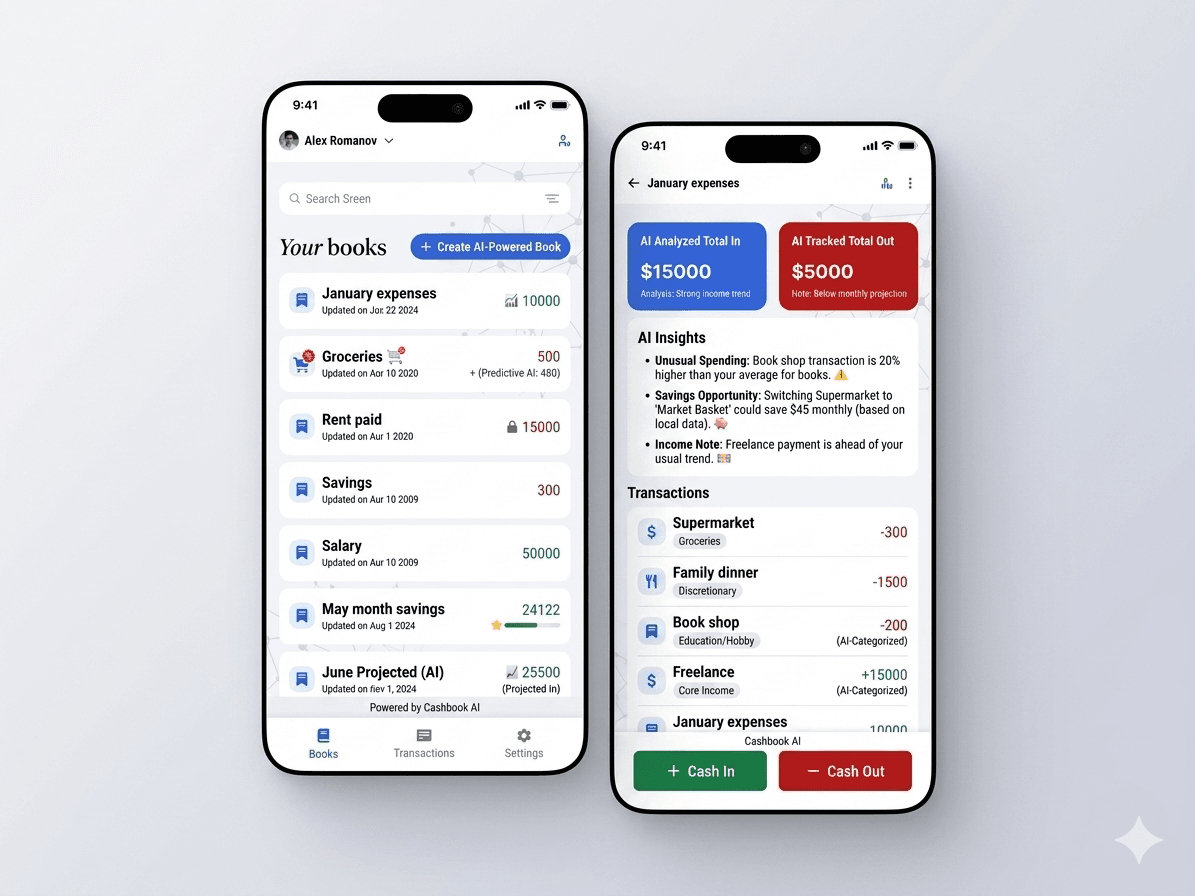
Cashbook AI
AI accounting app that categorises transactions automatically, tracks income and expenses, and generates reports, with every prediction open to user correction.
Questions about workflow automation
- What kinds of processes are worth automating?
- High-volume, rule-following steps where the same decision is made repeatedly from the same inputs: categorising transactions, routing tickets, generating recurring reports, sending reminder sequences, syncing records between two systems.
- Should we automate the whole process?
- Usually not. The return is concentrated in the routine path, which is also the part that fails safely. Exceptions need judgement, so the better design automates the routine work and routes anything unusual to a person with the context attached.
- Do you use no-code tools or write custom code?
- Whichever survives longer for the case at hand. A no-code tool is fine for a simple two-system sync; anything with real branching, retries or audit requirements gets written as code, because that is where no-code workflows become unmaintainable.
- How do we know the automation is working?
- Every run is logged with its inputs and outcome, and the measure that matters is the exception rate as much as the success rate. A rising exception rate is the early warning that the process changed underneath the automation.